GitHub
This document describes the use of GitHub as an identity provider for Pomerium. It assumes you have already installed Pomerium.
The GitHub API does not support OpenID Connect, just OAuth 2.0. For this reason, it was challenging to implement revocation of a user's Access Token (a string representing the granted permissions) when they sign out from Pomerium's user info endpoint.
Create a GitHub OAuth 2.0 Application
-
Log in to Github or create an account.
-
Navigate to your profile using the avatar on the navigation bar, and select Settings:
-
Navigate to Developer settings ➞ OAuth Apps and select New OAuth App.
-
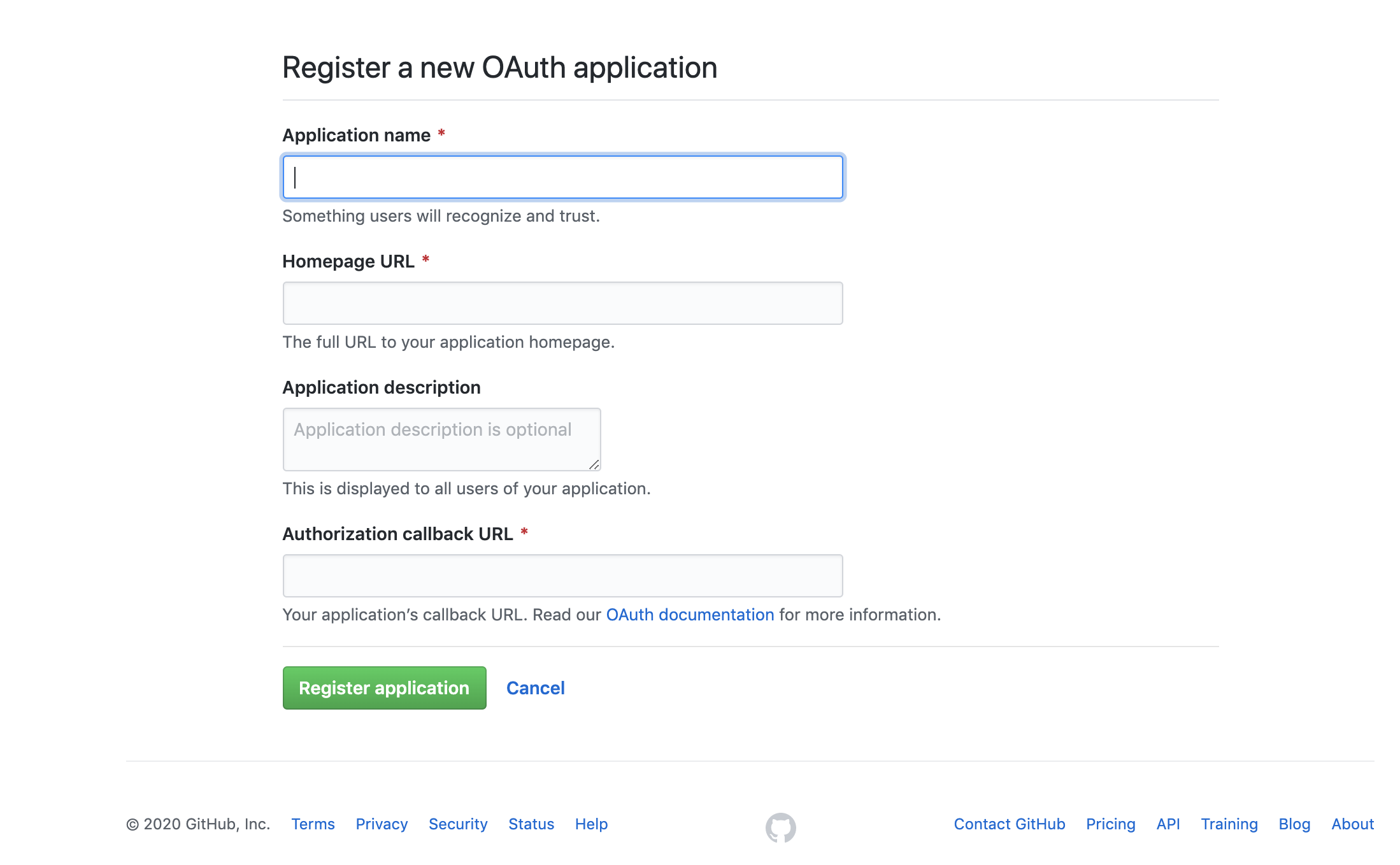
Create a new OAuth2 application by filling the form fields above with the following parameters:
Field Description Application name The name of your web app. Homepage URL The homepage URL of the application to be integrated with Pomerium. Authorization callback URL https://${authenticate_service_url}/oauth2/callback,authenticate_service_urlfrom your Pomerium configuration. -
After creating the application, select Generate a new client secret and save Client Secret along with the Client ID.
Pomerium Configuration
After creating your GitHub OAuth application, update the Pomerium configuration:
- Config file keys
- Environment Variables
idp_provider: "github"
idp_client_id: "REDACTED"       // github application ID
idp_client_secret: "REDACTED"   // github application secret
IDP_PROVIDER="github"
IDP_CLIENT_ID="REDACTED"       // github application ID
IDP_CLIENT_SECRET="REDACTED"   // github application secret
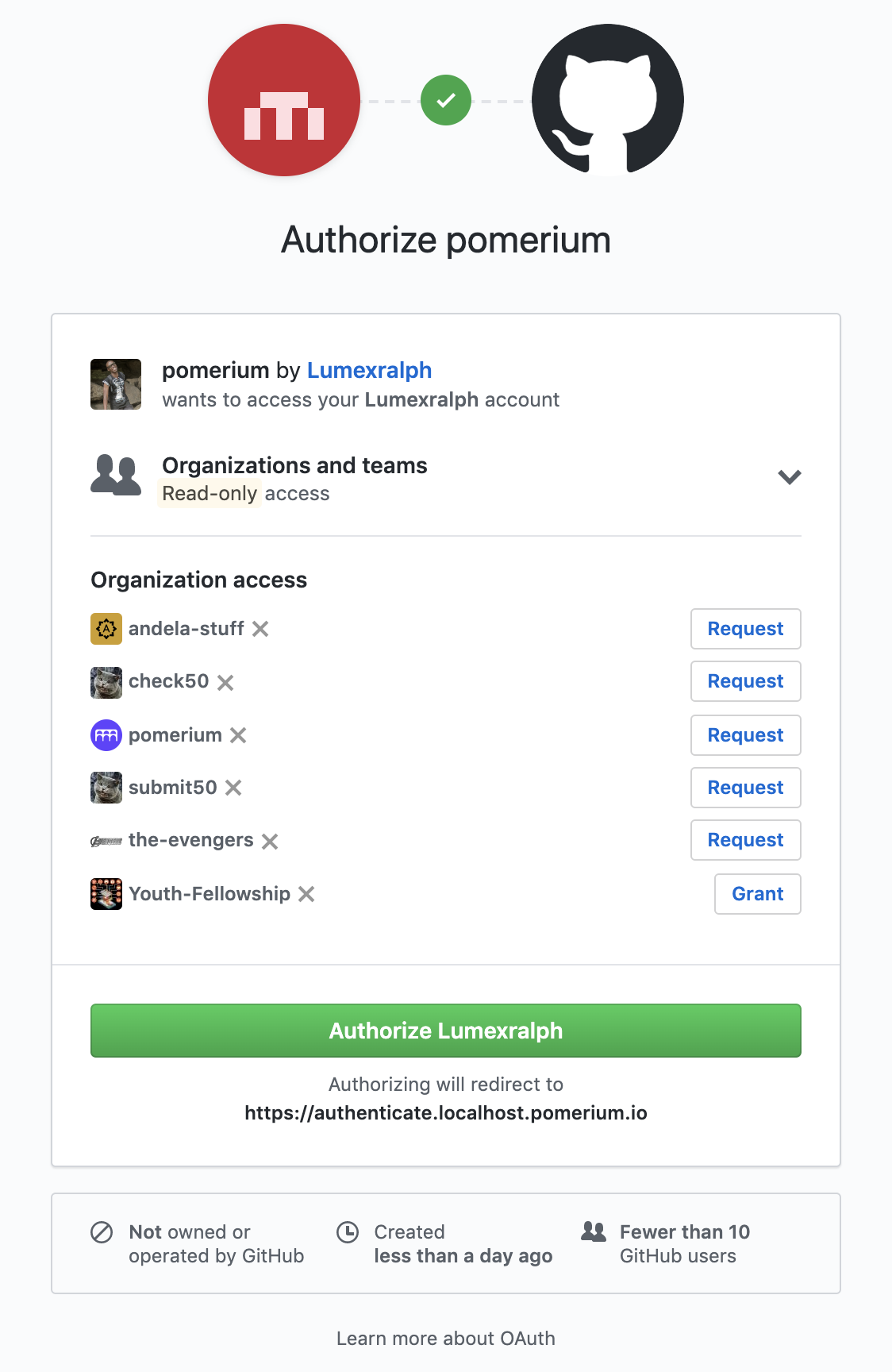
Whenever a user tries to access your application integrated with Pomerium, they will be presented with a sign-on page as below:
User IDs
Starting in version 0.34, Pomerium uses a GitHub user's node_id as their Pomerium user_id. This is the identifier used for the user PPL criterion. Prior to this Pomerium used a user's login.
To find a user's node_id, query the GitHub API:
curl -s https://api.github.com/users/USER_LOGIN | jq -r .node_id
It will be a base64-encoded string.
Getting Groups
- Custom Claim (Open Source)
- Directory Sync (Enterprise)
Custom Claim (Open Source)
The GitHub API does not support OpenID Connect, just OAuth 2.0 and it is not possible to get groups using a custom identity (id_token) claim. A full directory sync is required.
Directory Sync (Enterprise)
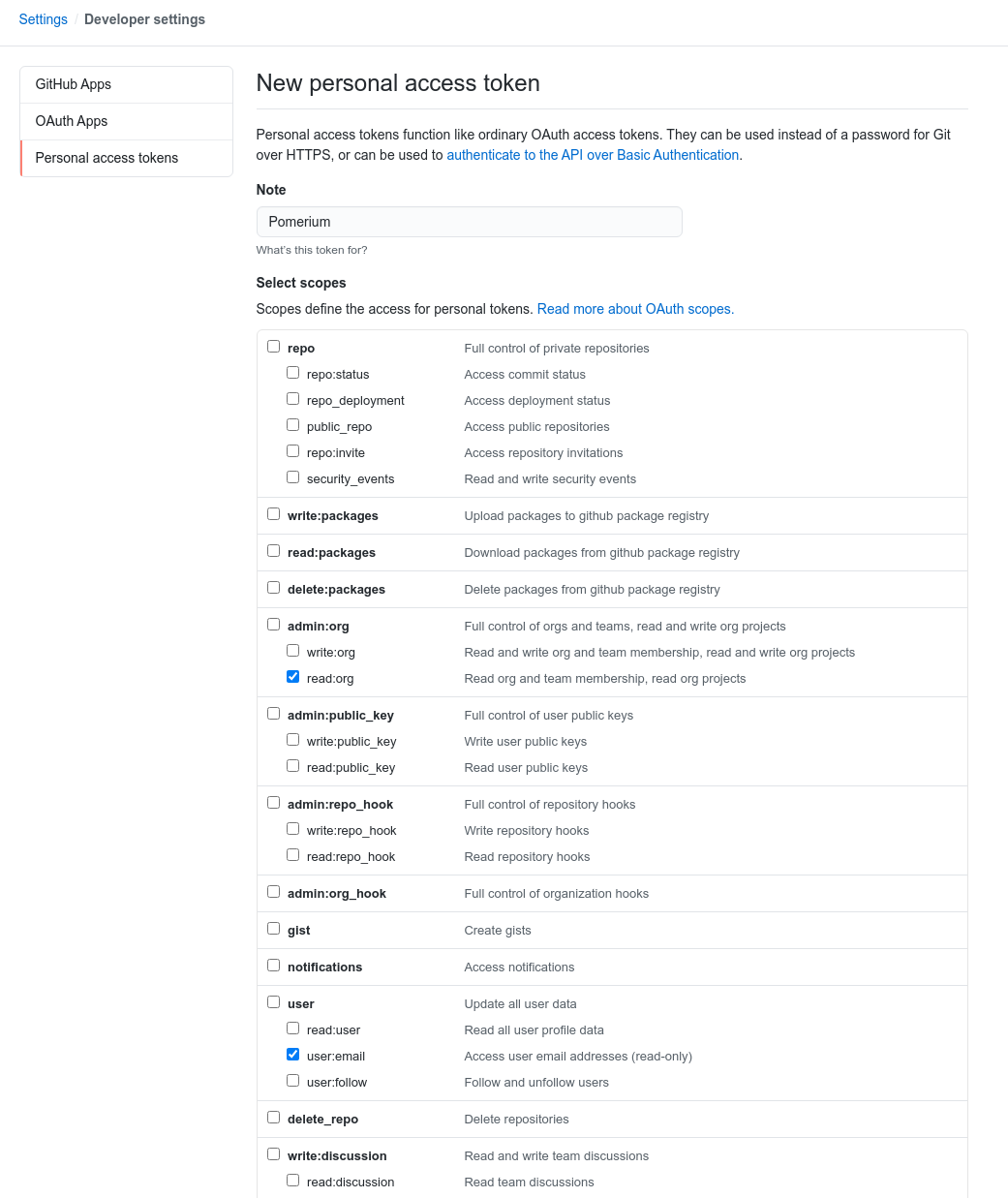
In order for Pomerium to validate group membership, we'll also need to configure a Personal Access Token in GitHub.
Create a new token at github.com/settings/tokens/new. It needs the read:org and user:email permissions.
Configure Pomerium Enterprise Console
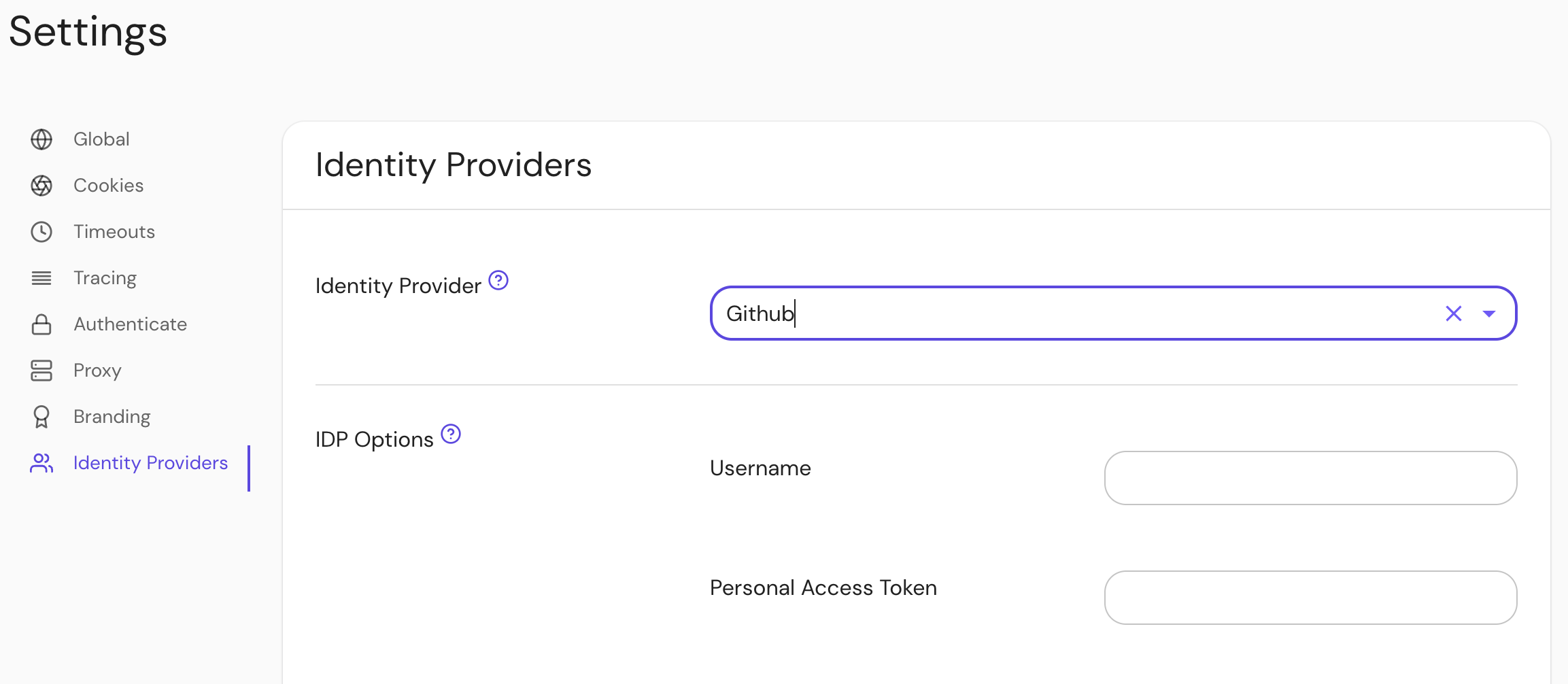
Under Settings → Identity Providers, select "Github" as the identity provider and set the Username and Personal Access Token.