Secure AdGuard Home with Pomerium
What this guide does
AdGuard Home is a network-wide DNS server that blocks ads and trackers, much like Pi-hole. Its web dashboard has no single sign-on and no user directory: the only access control it offers is a single set of HTTP basic-auth credentials.
You'll put AdGuard behind Pomerium so that Pomerium handles single sign-on and per-route authorization, then injects AdGuard's basic-auth credential on every upstream request. AdGuard auto-authenticates from that header, so your users sign in once through Pomerium and never see AdGuard's own login prompt.
When to use this guide
Use it when you want one front door for AdGuard with your existing identity, instead of sharing a single basic-auth password with everyone who needs the dashboard. This is the general pattern for any app whose only built-in auth is a static credential: Pomerium does the real authentication, then forwards the shared secret so the upstream stays happy.
Prerequisites
This guide assumes you've completed the Quickstart, so you already have Pomerium running and signing users in through the hosted authenticate service.
You also need:
- Docker and Docker Compose
- A domain you control for the AdGuard route (this guide uses
adguard.yourdomain.com)
This guide uses the hosted authenticate service so you don't have to run an IdP. To run your own instead, follow Keycloak + Pomerium and swap the authenticate_service_url / idp_* settings into the config below.
Configure Pomerium
The key piece is set_request_headers. AdGuard expects an Authorization: Basic <base64> header; Pomerium adds it to every request after the user authenticates. Without it, AdGuard would prompt for its own basic-auth login on each visit. Choose the AdGuard admin password now (you'll set the same one in AdGuard's install wizard below), then generate the value from that admin user and password:
printf 'admin:YOUR_ADGUARD_PASSWORD' | base64
- Pomerium Zero
- Pomerium Core
In the Zero Console:
- Create a Route. In From, enter
https://adguard.<your-starter-domain>; in To, enterhttp://adguard:3000. - Set the policy to Any Authenticated User (or scope it to a group).
- On the Headers tab, add a request header
Authorizationwith the valueBasic <base64>from the command above, and enable Allow WebSockets.
Zero manages the route's TLS certificate behind your starter domain, so there's nothing else to configure on the Pomerium side.
Create a config.yaml. It routes adguard.yourdomain.com to the AdGuard container and injects the basic-auth header on every upstream request.
# Pomerium Core configuration for AdGuard Home. Uses the hosted authenticate
# service, so you don't run your own identity provider. To self-host the IdP, see
# the Keycloak guide: https://www.pomerium.com/docs/integrations/user-identity/oidc
authenticate_service_url: https://authenticate.pomerium.app

# Obtain TLS certificates automatically from Let's Encrypt.
autocert: true

routes:
  - from: https://adguard.yourdomain.com
    to: http://adguard:3000
    allow_websockets: true
    # Pomerium authenticates the user, then injects AdGuard's single basic-auth
    # credential on every upstream request so AdGuard never shows its own login
    # prompt. Replace the placeholder below with your own value, generated with:
    #   printf 'admin:YOUR_ADGUARD_PASSWORD' | base64
    # Keep this secret: anyone who can send it to AdGuard directly is admin.
    set_request_headers:
      Authorization: Basic <BASE64_OF_ADMIN_AND_PASSWORD>
    policy:
      - allow:
          or:
            - email:
                is: you@example.com
Replace adguard.yourdomain.com with your domain, you@example.com with your email, and the Authorization value with the base64 string from the command above.
Configure AdGuard
Run AdGuard once and complete its first-run setup wizard, choosing an admin username and password. This writes an AdGuardHome.yaml config (with the password stored as a bcrypt hash) into the mounted conf volume, and from then on AdGuard enforces basic auth on its web interface and control API.
The username and password you pick here are exactly the credentials you base64-encode into the Pomerium Authorization header above. Keep that pair secret, since anyone who can present it to AdGuard is an administrator.
Run the stack
The Compose file runs Pomerium Core and AdGuard together. Pomerium publishes ports 80 and 443 for the protected route, and AdGuard publishes only port 53 for DNS; the AdGuard web UI on port 3000 stays on the internal network so it's reachable only through Pomerium. For Zero, drop the pomerium service and use the compose.yaml from the Quickstart with your POMERIUM_ZERO_TOKEN, keeping the adguard service below.
services:
  pomerium:
    image: pomerium/pomerium@sha256:e10d1d267af24f581157f485d9b0bc08469e2428675b696a08e42ceb09b2279c # v0.32.7
    volumes:
      - ./config.yaml:/pomerium/config.yaml:ro
      - pomerium-cache:/data
    ports:
      - 443:443
      - 80:80
    # Pomerium bridges both networks: `default` for autocert/Let's Encrypt and the
    # hosted authenticate service, and the internal-only network to reach AdGuard.
    networks:
      - default
      - adguard-internal
    restart: always

  adguard:
    image: adguard/adguardhome@sha256:e6f2b8bcda06064ab055b44933a4f0e983c35558b9cdb8d2e7ab1efcee36d890 # v0.107.77
    volumes:
      - adguard-work:/opt/adguardhome/work
      - adguard-conf:/opt/adguardhome/conf
    ports:
      # DNS, served straight from AdGuard. The web UI stays private behind Pomerium.
      - 53:53/tcp
      - 53:53/udp
    # Internal-only network: AdGuard's web UI is reachable only through Pomerium,
    # never directly, so a leaked basic-auth credential can't bypass Pomerium.
    networks:
      - adguard-internal
    restart: always

networks:
  # No route to the outside; only services attached here (Pomerium and AdGuard)
  # can reach AdGuard's web port.
  adguard-internal:
    internal: true

volumes:
  pomerium-cache:
  adguard-work:
  adguard-conf:
Start it:
docker compose up -d
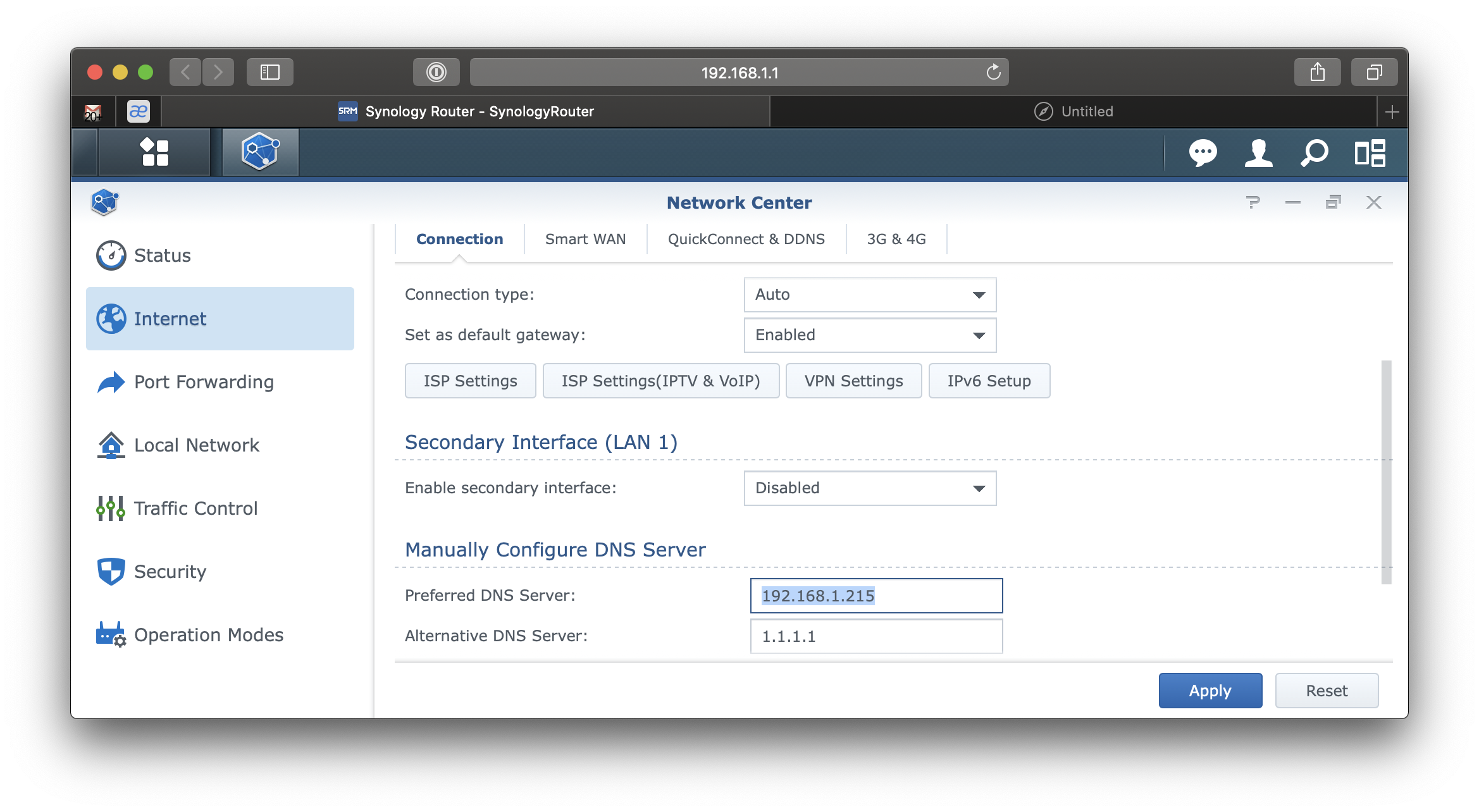
Then set your router (or each device) to use this host as its primary DNS server.
Verify the setup
- The route requires authentication. In a fresh browser, open
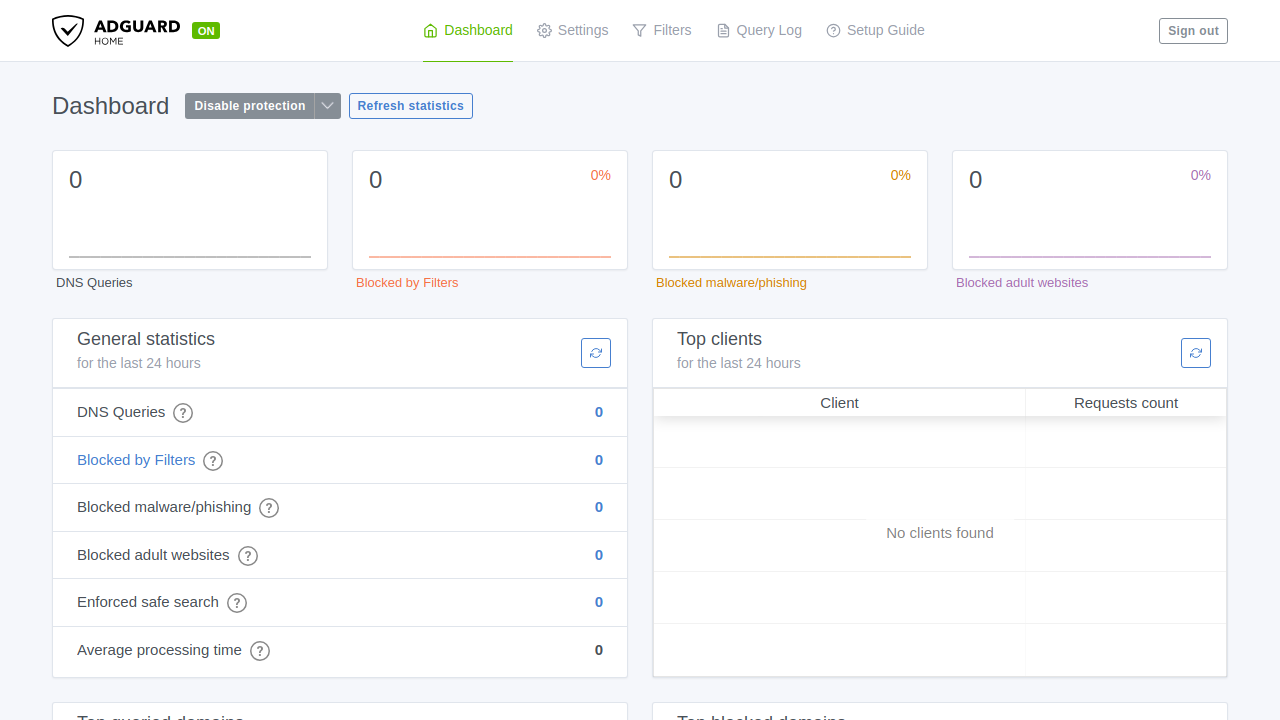
https://adguard.yourdomain.com. You should be redirected to sign in, not straight into AdGuard. - An allowed user gets in. Sign in through Pomerium. You land on the AdGuard dashboard.
- No second login. AdGuard never shows its own basic-auth prompt, because Pomerium injected the
Authorizationheader for you. - A disallowed user is blocked. Sign in as a user your policy excludes and open
https://adguard.yourdomain.com. Pomerium denies access, so you never reach AdGuard.
Common failure modes
- AdGuard prompts for a basic-auth login after you sign in to Pomerium. The injected header is missing or wrong. Confirm
set_request_headersis present on the route and that the base64 value decodes to exactlyadmin:passwordfor a user AdGuard knows. - AdGuard returns 401 Unauthorized through Pomerium. The credential doesn't match. Re-run the install wizard or reset the password, then regenerate the base64 string from the new username and password.
- AdGuard shows its install wizard instead of the dashboard. Its config volume was wiped or never persisted. Make sure the
confandworkvolumes are mounted soAdGuardHome.yamlsurvives restarts. - Redirect loop or certificate errors. Make sure DNS for
adguard.yourdomain.compoints at Pomerium and that Pomerium can obtain a TLS certificate. On the Core path,autocertneeds ports 80 and 443 reachable for Let's Encrypt; Zero manages certificates for you.
Security considerations
AdGuard trusts the basic-auth credential, not the user. Any client that can present that header to AdGuard directly is an administrator, so the whole model depends on Pomerium being the only path to it:
- Network isolation is the real boundary. Keep AdGuard off published ports and on an internal-only Docker network shared with Pomerium alone, as the Compose file does. Only Pomerium should reach
adguard:3000. If AdGuard is reachable on its own port, an attacker who knows (or brute-forces) the basic-auth password bypasses Pomerium entirely. A request that reaches AdGuard without the injected credential is rejected with a401, but that only helps if AdGuard cannot be reached at all except through Pomerium. - The basic-auth secret lives in Pomerium's config. Treat
config.yaml(or the Zero route's header value) as a secret, since it carries the AdGuard admin credential. Anyone who can read it gets admin access to AdGuard. - Scope the route policy (group or domain) to who should administer AdGuard. Every user your policy allows is signed in as that one shared AdGuard admin.